

Overview
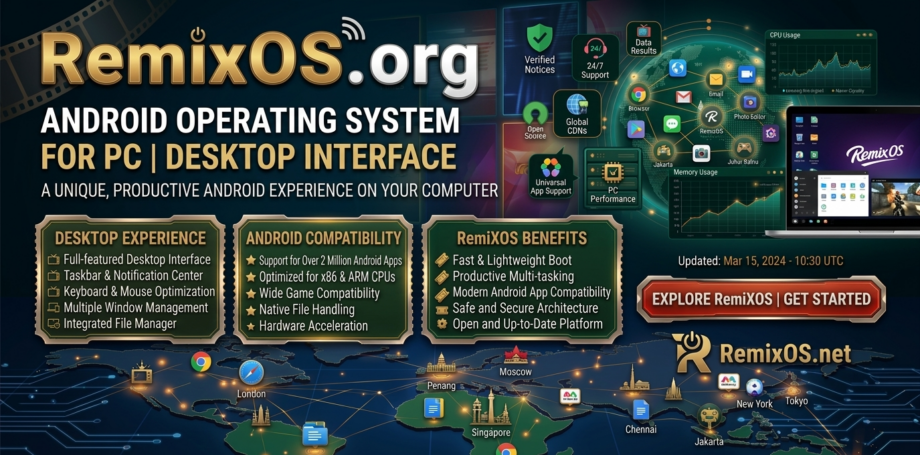
RemixOS.org is a website dedicated to providing information and resources related to Remix OS, an Android-based operating system designed to run on desktop and laptop computers. The platform introduces users to a version of Android optimized for PC environments, allowing them to run mobile apps, games, and Android software directly on traditional computer hardware.
Remix OS was originally developed by Jide Technology and gained popularity for bringing a desktop-style Android experience to PCs. The website explains the concept of running Android applications in a desktop environment similar to Windows or Linux systems.
Purpose of the Website
The main goal of RemixOS.org is to provide:
-
Information about Remix OS features
-
Download resources or installation guidance
-
Tutorials for installing Android on PC
-
Updates and news related to the operating system
The website acts as an informational hub for users who want to experiment with Android on desktop computers.
Key Features of Remix OS
1. Android Operating System for PC
Remix OS allows users to install a modified version of Android on computers. This means users can access Android apps and games without needing a smartphone or tablet.
The system is optimized for keyboard and mouse usage, making it suitable for productivity tasks and gaming.
2. Desktop-Style Interface
Unlike traditional Android interfaces, Remix OS introduces a desktop-like layout similar to Windows:
-
Taskbar at the bottom
-
Start-menu style app launcher
-
Multiple resizable windows
This design makes it easier for PC users to navigate the system.
3. Multi-Window Support
One of the most important features of Remix OS is the ability to run multiple Android apps simultaneously in different windows. This functionality improves multitasking compared to standard Android devices.
4. Android App Compatibility
Users can run many apps available from the Android ecosystem, including productivity apps, social media platforms, and mobile games.
This feature allows computers to behave similarly to large-screen Android devices.
5. Installation Options
Remix OS can usually be installed in several ways:
-
Bootable USB installation
-
Dual-boot alongside Windows
-
Virtual machine installation
These options allow users to test the operating system without permanently replacing their current OS.
Website Design and User Experience
The RemixOS.org website typically uses a simple informational layout that focuses on explaining the software. Features usually include:
-
Introduction to Remix OS
-
Feature explanations
-
Download or setup guidance
-
Blog-style posts or articles
The navigation is straightforward, making it easy for users to learn about the operating system.
Safety and Trust Considerations
While Remix OS was once widely popular, development has slowed in recent years. The original developers have shifted focus to other projects, and updates to the operating system have become limited.
Because of this:
-
Some download sources may be outdated
-
Compatibility with newer hardware may vary
-
Users should verify downloads from trusted sources
Advantages
-
Allows Android apps to run on desktop computers
-
Desktop-style Android interface
-
Multi-window multitasking
-
Free operating system option for experimentation
-
Lightweight compared to some desktop systems
Possible Limitations
-
Development and updates are limited
-
Compatibility with modern hardware may vary
-
Some Android apps may not work perfectly on PC
-
Requires manual installation for many users
Final Verdict
RemixOS.org provides information about Remix OS, a unique operating system that attempted to bring Android’s mobile ecosystem to desktop computers. Its desktop-style interface and multitasking features made it an innovative concept for users wanting to run Android apps on PCs.
Although the project is no longer actively developed, it remains an interesting option for technology enthusiasts who want to experiment with Android-based desktop environments.